Your camera roll is a mess after every trip
After a trip, the photos you care about are mixed in with screenshots, receipts and everyday shots. Scrolling back by date to find one trip takes a while.
Three steps. That's it.
Import
Open the app and allow photo access. It scans your library for you.

Auto-organize
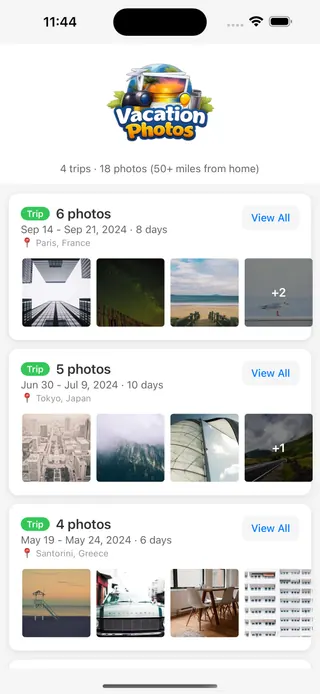
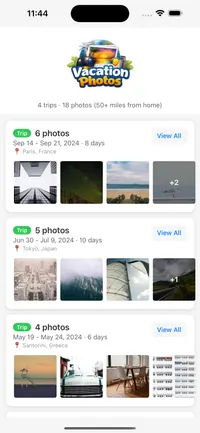
Photos are grouped into trips by location and date. Every vacation gets its own album.

Browse & share
Tap a trip to look back through it, or share it with a link.
Sorts your camera roll into trips by date and place, on your iPhone. Free on iOS.
Automatic trip detection
Finds photos taken 50+ miles from home and groups them into trips by place and date.
Organized by place
Each trip is labelled by where it happened, so you can jump straight to it.
Trips in order
Your trips are listed by date, so you can find a trip by when it happened.
Share with a link
Send a trip to family and friends with a link. They can view it without installing the app.
Sorted on your iPhone
Trip detection runs on your device. Photos are only uploaded, to Apple iCloud, when you choose to share a trip.
Free
Free on the App Store. No ads, no in-app purchases, no account needed.
Frequently asked questions
Is Vacation Photos free?+
How does trip detection work?+
Does Vacation Photos upload my photos?+
What permissions does the app need?+
Can I share a trip with family?+
Does it work with photos from any camera?+
Which devices does it run on?+
Who makes Vacation Photos?+
Start organizing your vacation photos
Free. No ads. No account required.